Google Alerts alternatives: when it is time to move on, and to what
Almost every company's first monitoring tool is Google Alerts. It's free, it takes thirty seconds to set up, and it sends you an email when your name appears somewhere. For a while, that's enough. Then one day you realize an important article ran last week and the alert never came, or that your inbox has two hundred unread alert emails and nobody reads them anymore.
This is a fair look at what Google Alerts does well, where it stops being enough, and what to look for when you replace it.
What Google Alerts does well
Credit where it's due. Google Alerts is:
- Free, with no limit worth worrying about on the number of alerts.
- Instant to set up. Type a phrase, pick a frequency, done.
- Good enough for personal use, like following your own name or a niche hobby topic.
If you're a solo founder who wants to know when the company is mentioned, it may be all you need for a while.
Where it falls short for a business
The problems show up when a team starts depending on it:
- Coverage is unpredictable. Some mentions arrive, some don't, and there's no way to know what you missed.
- It lives in email only. Results are scattered across inboxes. There's no shared view, no history to search, and no way to filter last month's mentions by topic.
- It can't watch websites. It finds pages that mention a phrase, but it won't tell you that a competitor changed its pricing page or quietly published a new product page.
- No team workflow. No bookmarks, no notes, no roles, no way to send the right items to the right person.
- No sense of importance. A major industry article and a scraped copy of a press release arrive looking exactly the same.
What to look for in an alternative
Tools in this space range from enterprise media-monitoring suites to small focused products. Whatever you look at, check these:
Sources you can control
News coverage plus the ability to add your own sources, such as the RSS feeds of your trade publications. The niche sources are usually where the useful mentions are.
Competitor website tracking
Mentions tell you what others write about a competitor. Their own website tells you what they're doing. You want both.
Organization
Keyword categories, filters by source and keyword, and a searchable history, so last quarter's mentions aren't lost in an inbox.
Team features
Shared bookmarks and notes, user roles, and per-person choices about which alerts and digests they get.
Delivery where you work
Email digests at minimum; Slack or similar if that's where your team talks.
Honest pricing
Clear plans that match the size of your team, without a sales call just to see a number.
How Spotlightrend fits
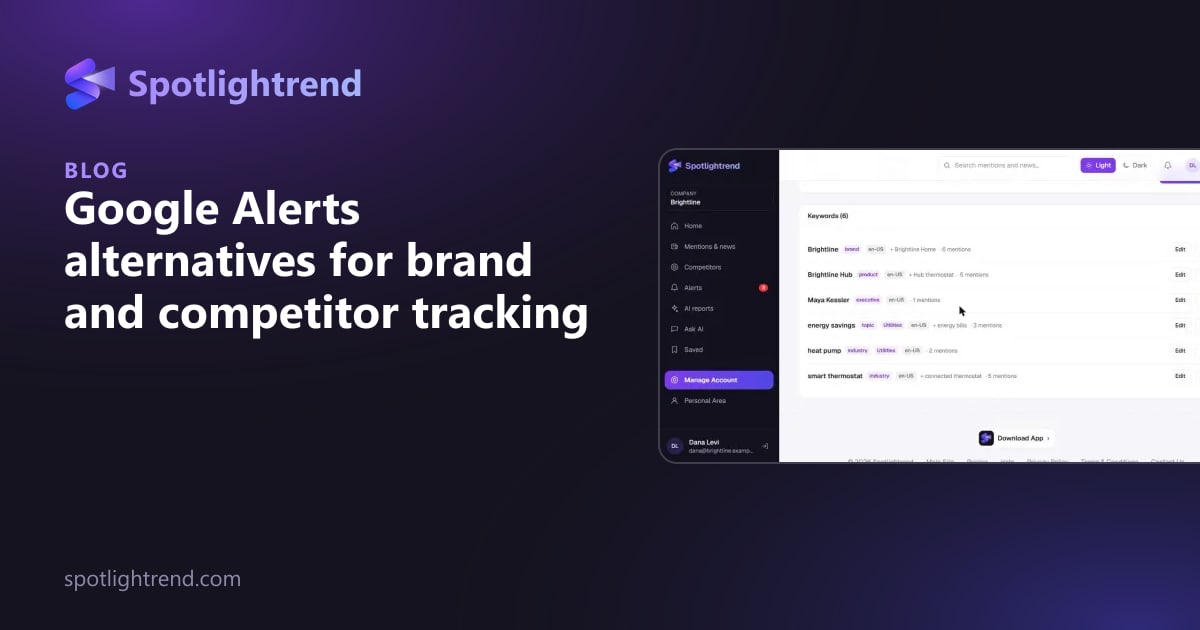
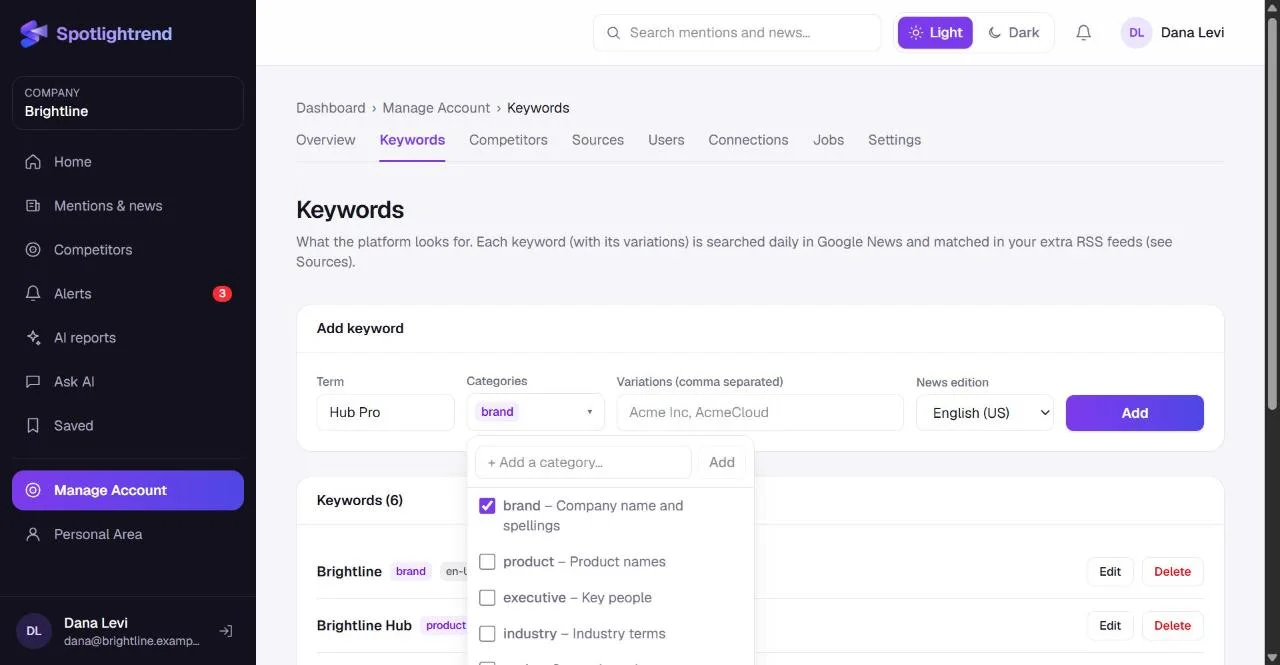
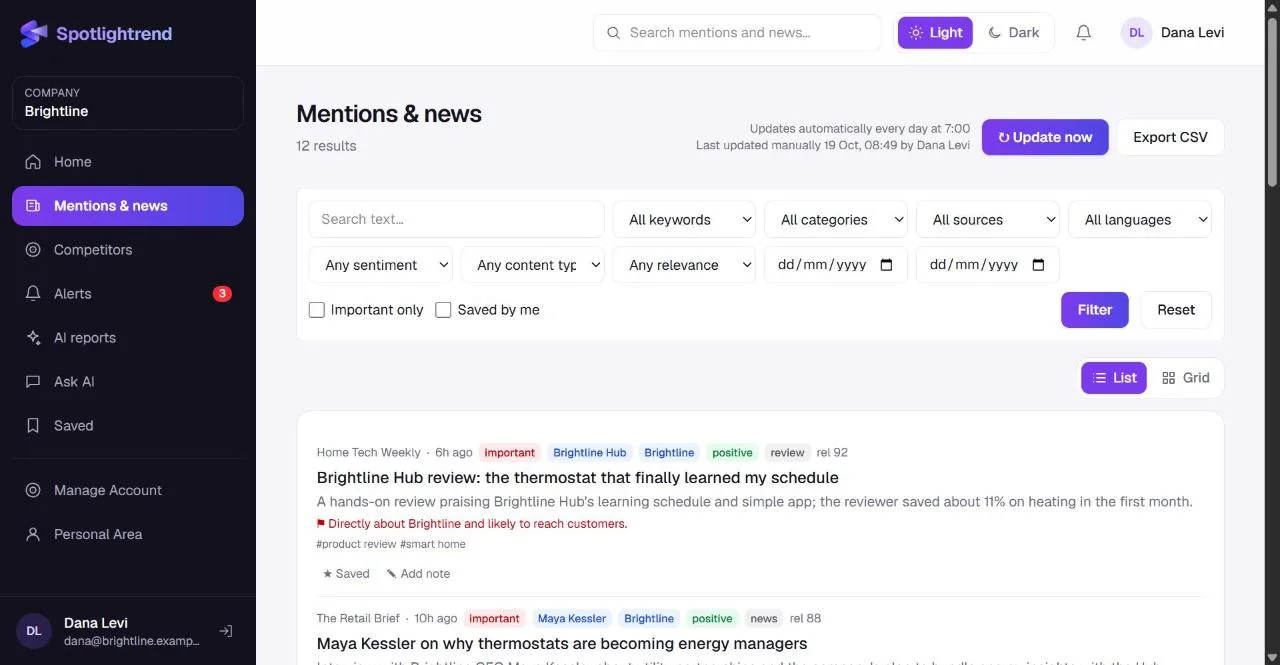
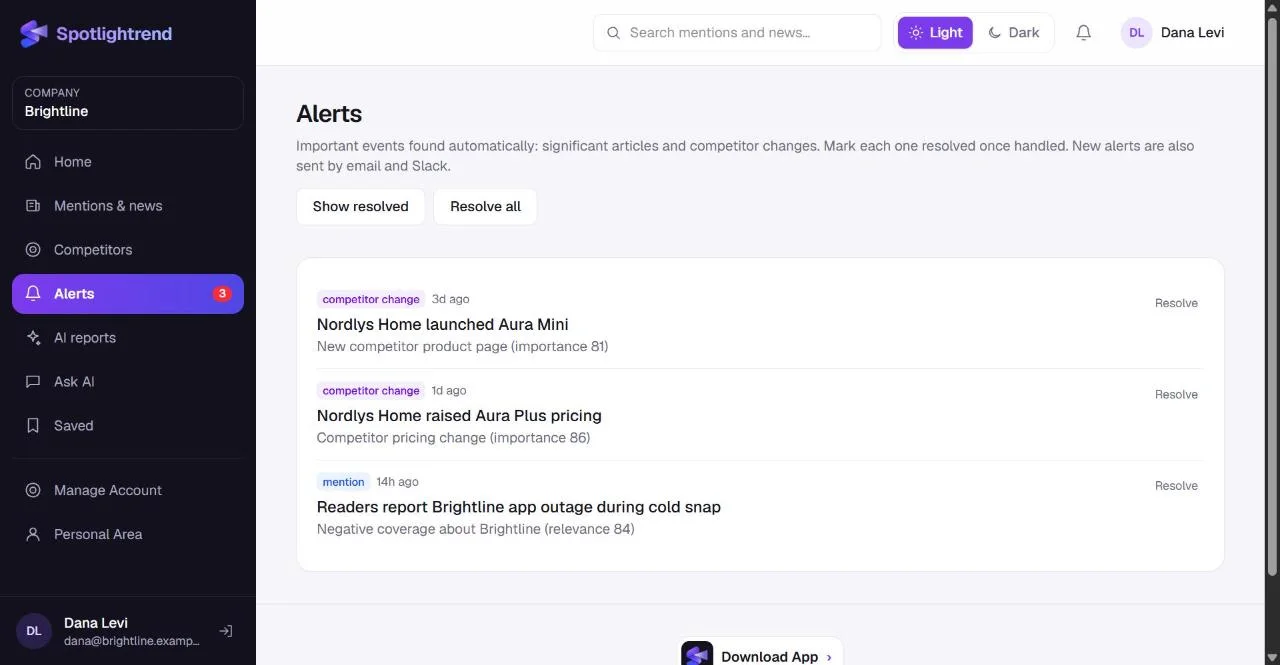
Spotlightrend was built for exactly the gap between Google Alerts and enterprise suites. It collects mentions of your keywords from Google News and from any RSS feeds you add, in the news edition you choose. It watches your competitors' websites and shows what changed on pricing, product and other pages. Results live in one shared place, with filters, bookmarks, notes and CSV export, and important items reach people in the app, by email or in Slack.
It isn't a full PR suite. If you need broadcast monitoring or analyst-grade social listening across every network, that's a different category of tool and a different budget. For a marketing or leadership team that wants to know what the market says about them and what competitors are doing, it covers the ground Google Alerts leaves open.
Questions to ask before you choose
Feature lists all look similar after a while. These questions cut through them quickly, whether you're looking at Spotlightrend or anything else:
- Can I try it on my own brand before paying? Demo data always looks good. Your own keywords, in your own market and language, are the only real test.
- What happens to my data if I stop? Look for CSV export, so a year of collected mentions doesn't disappear with the subscription.
- How does the price grow? Check what happens when you add users, keywords or competitors. A cheap entry plan with steep jumps can cost more than a plan that fits from the start.
- Does it renew automatically? Some tools lock you into annual renewals that are easy to miss. Know the terms before you commit.
- Who on my team will open it? If the answer is "only me," choose something simple. If it's the whole marketing team plus sales, roles and shared notes matter.
Answering these honestly usually narrows a long list of options down to two or three, and a one-week trial with your real keywords settles the rest.
Making the switch
Moving off Google Alerts is easy because there's little to migrate. List the phrases you have alerts for, group them into brand, products, people, competitors and topics, and add them as keywords. Add the competitor domains you were checking by hand. Run both side by side for a week, then turn the old alerts off.
The short version
Google Alerts is a fine personal tool and a weak business one. Once a team relies on it, the missing coverage, the inbox-only results and the lack of competitor website tracking start to cost you. Look for controllable sources, website change tracking, real organization and team features, and move your existing alert phrases over in an afternoon.
Try it on your own market
Bring your Google Alerts phrases over and compare the results for a week.